
5s
Results in as little as five seconds
Keep purchase intent in the product page instead of sending shoppers into a separate workflow.
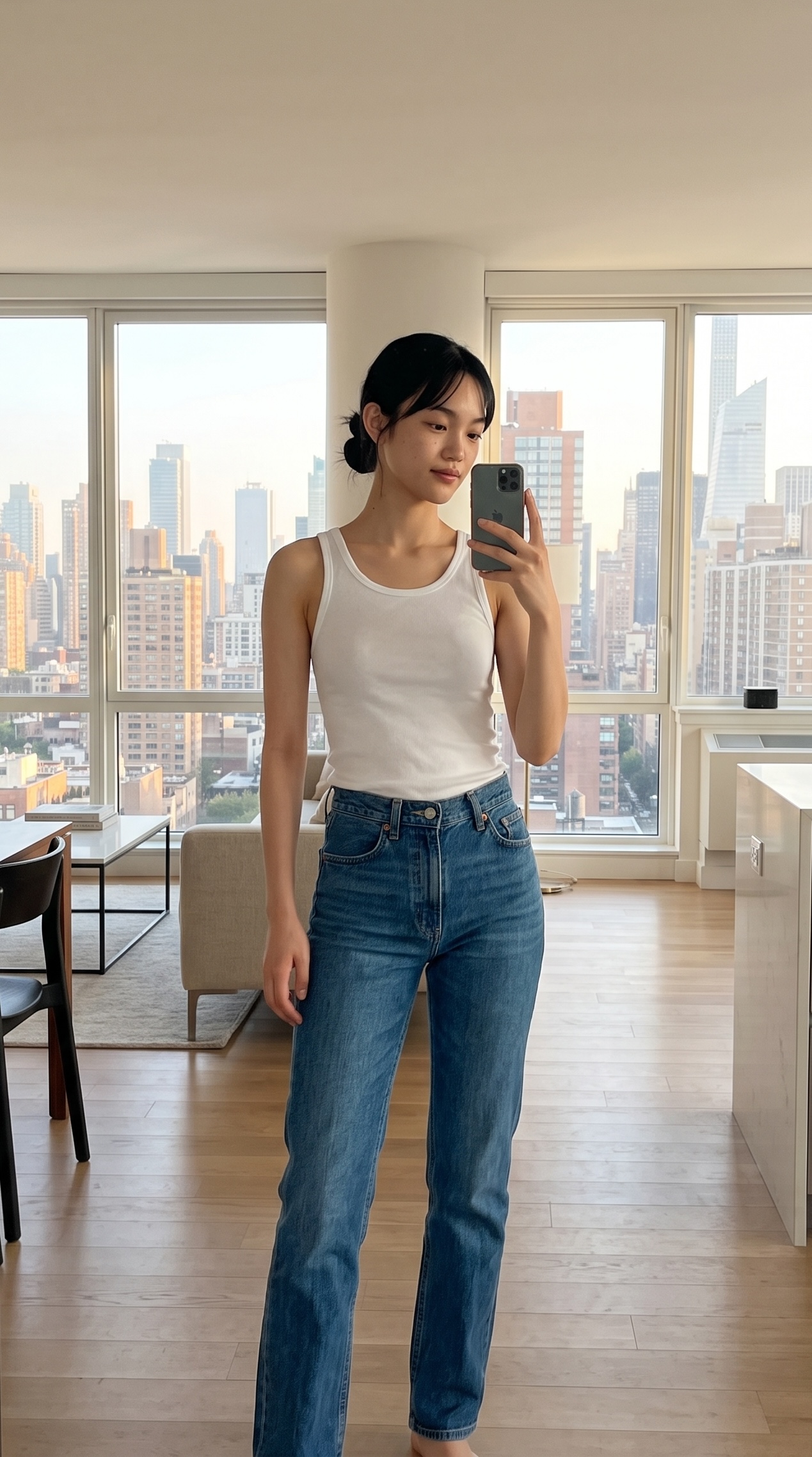
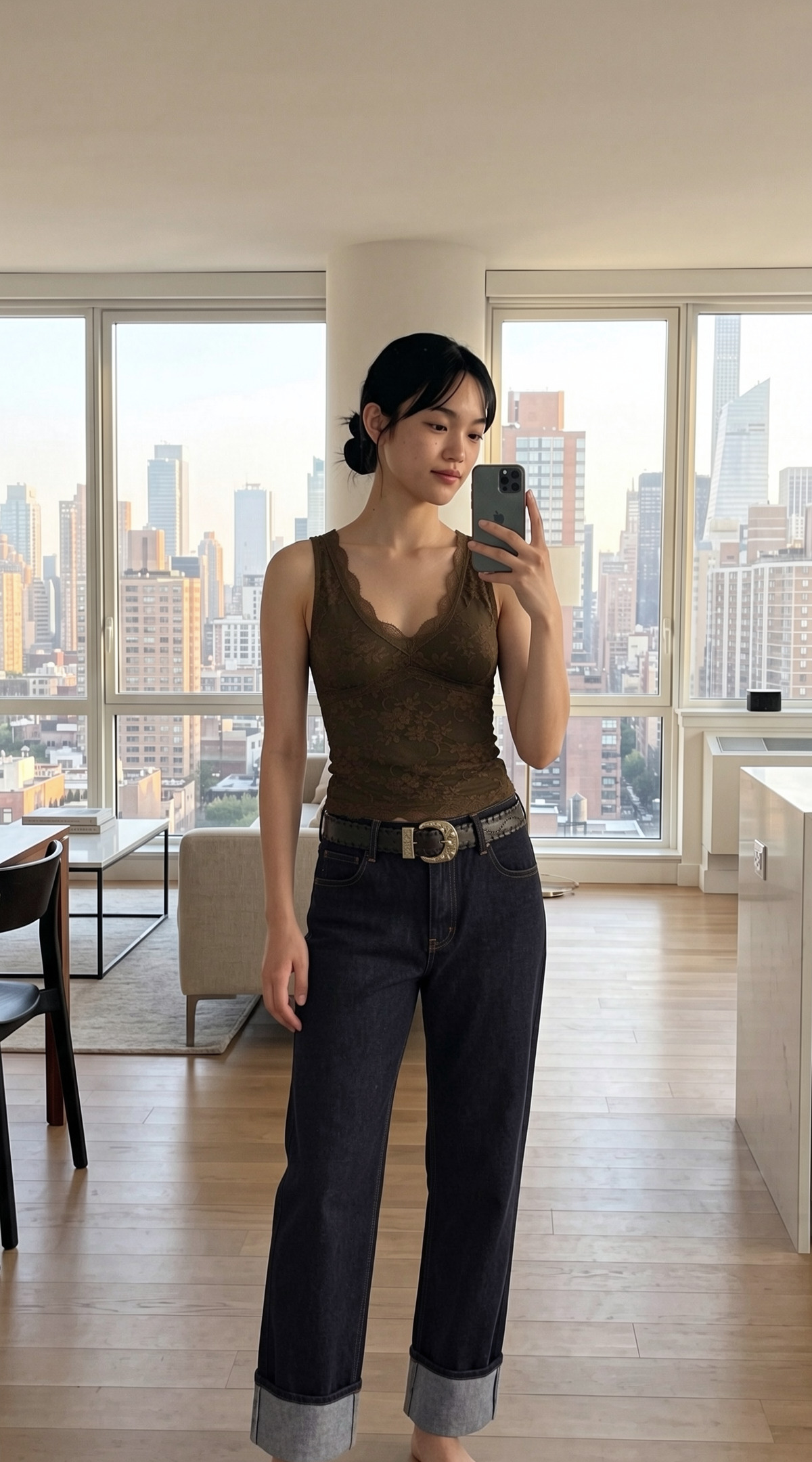
An AI virtual fitting room for fashion brands, with high-fidelity try-ons in seconds, full-look styling, and recommendations that respond to every product and outfit.
Selected partners and deployments
Our AI virtual try-on models are developed in-house for fashion, giving us direct control over product fidelity, generation speed, and the fitting-room roadmap.
5s
Keep purchase intent in the product page instead of sending shoppers into a separate workflow.
03
Move beyond single-item visualization into complete, cart-ready outfits.
10M
Production experience across varied products, shopper photos, and real storefront conditions.
You
Outfit
Upload an item or grab it via a product URL.
Our AI stylist re-ranks product recommendations around every selected item, helping shoppers build complete looks and discover more of your catalog.
Product overview
See the Shopify experience from first tap to full fitting room.

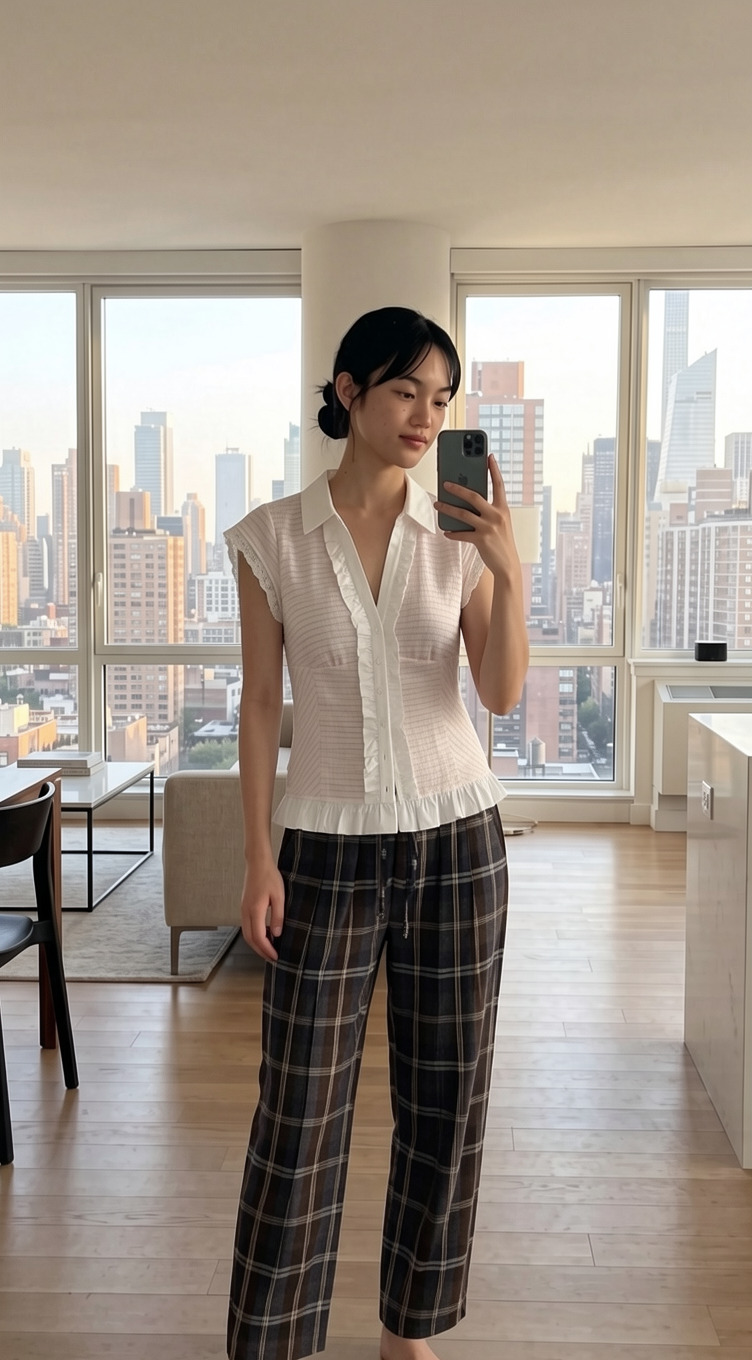
New arrival
$65 USD
The try-on button appears in-line with your product listing, anchoring to the primary media.
Launch your virtual fitting room with the Shopify app or Custom JavaScript integration, with control over catalog sync, customer context, commerce events, and presentation.
Sync stable product and variant identities, availability, images, prices, and categories.
Load asynchronously while generation and recommendation work happens outside the merchant page.
Automatic 24-hour image deletion, configurable shopper terms.
Power hosted experiences or render recommendations in your own components and backend.
Install directly from Shopify on Small or Medium, or contact us for a custom rollout.
Plan 1
For smaller stores testing shopper demand.
$0
/monthPlan 2
For stores running virtual.fit as a live sales tool.
$299
/monthPlan 3
For high-volume and custom deployments.
Custom
An AI virtual fitting room lets shoppers upload a photo and see how selected clothing or a complete outfit looks on them before buying. virtual.fit supports up to three items in one preview; it is a visualization, not a guarantee of physical fit, size, color, or proportion.
Results can arrive in as little as five seconds, depending on the selected products and current processing conditions. The experience keeps the shopper informed while a result is generated.
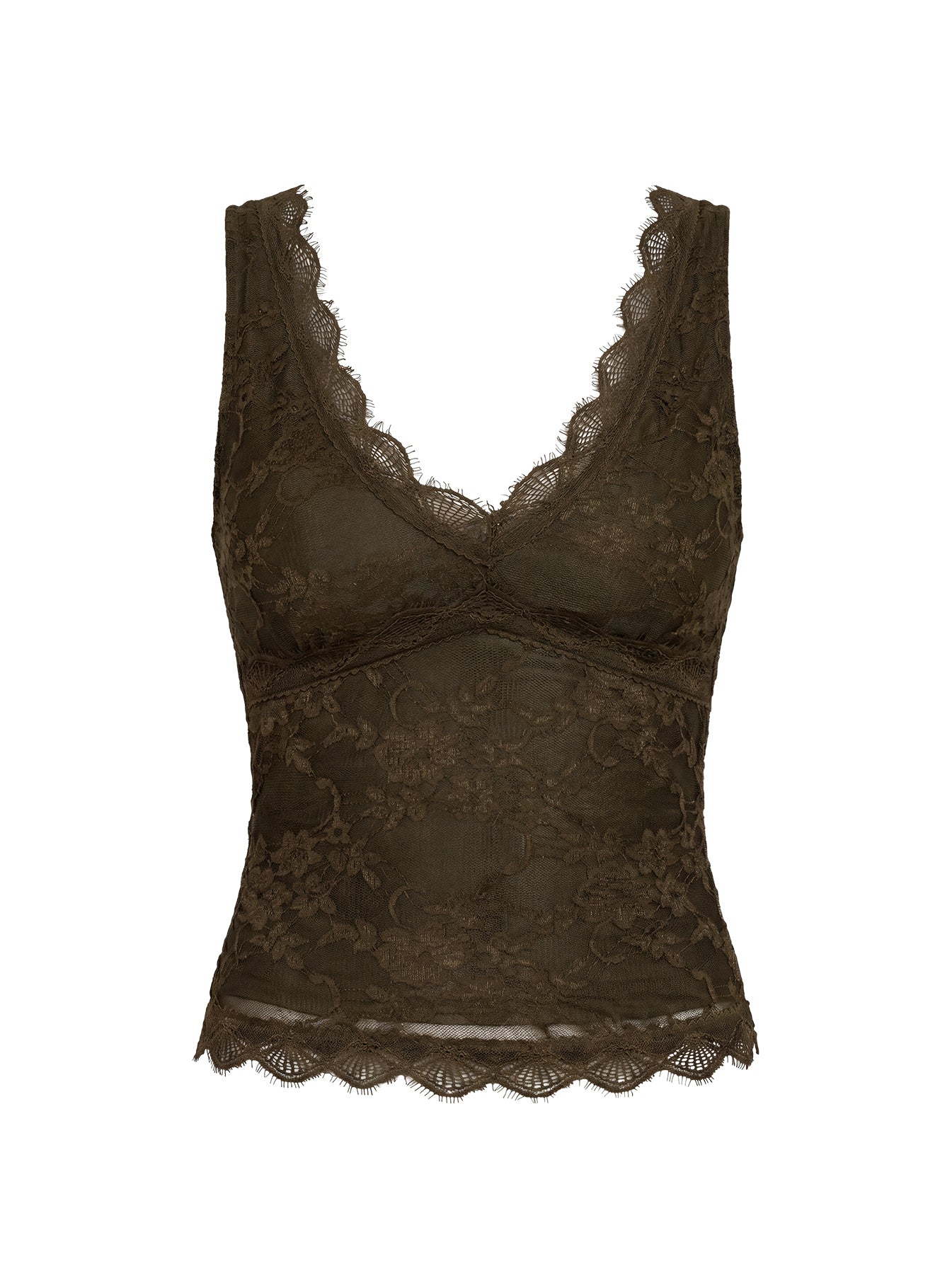
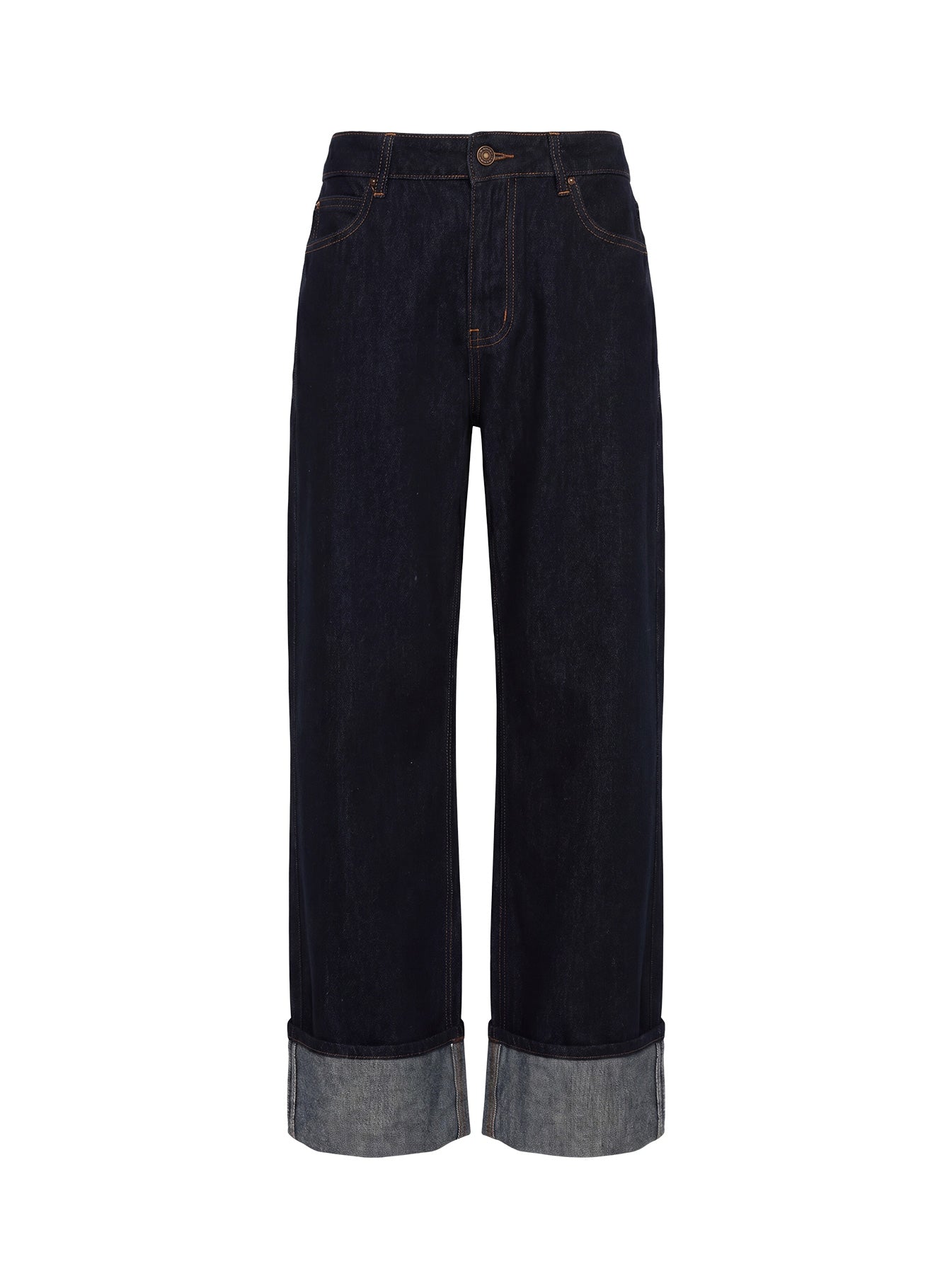
Yes. The fitting room supports up to three selected items in one try-on. Complete-the-look recommendations update as products are added or removed.
Shopper uploads and generated try-on images are temporary and automatically deleted within 24 hours. They are not used for model training, marketing, portfolios, or reference material without separate valid consent.
Yes. The widget inherits storefront button styling where possible. Shopify theme settings and Custom JavaScript CSS variables provide deliberate control over fonts, colors, borders, placement, labels, and terms.
The same system supports similar-product rows, complete-the-look suggestions, and likely-purchase recommendations for product pages, fitting rooms, custom outfit builders, and carts.
The storefront integration loads asynchronously and the heavier generation work runs outside the merchant's page. Teams should still verify performance and every supported theme during launch testing.
Shopify stores install the app and enable the theme embed. Other storefronts use the Custom JavaScript loader, sync their catalog, and send normalized cart, checkout, and purchase events for complete analytics.
Start with 50 free try-ons per day or book a guided walkthrough for a larger rollout.